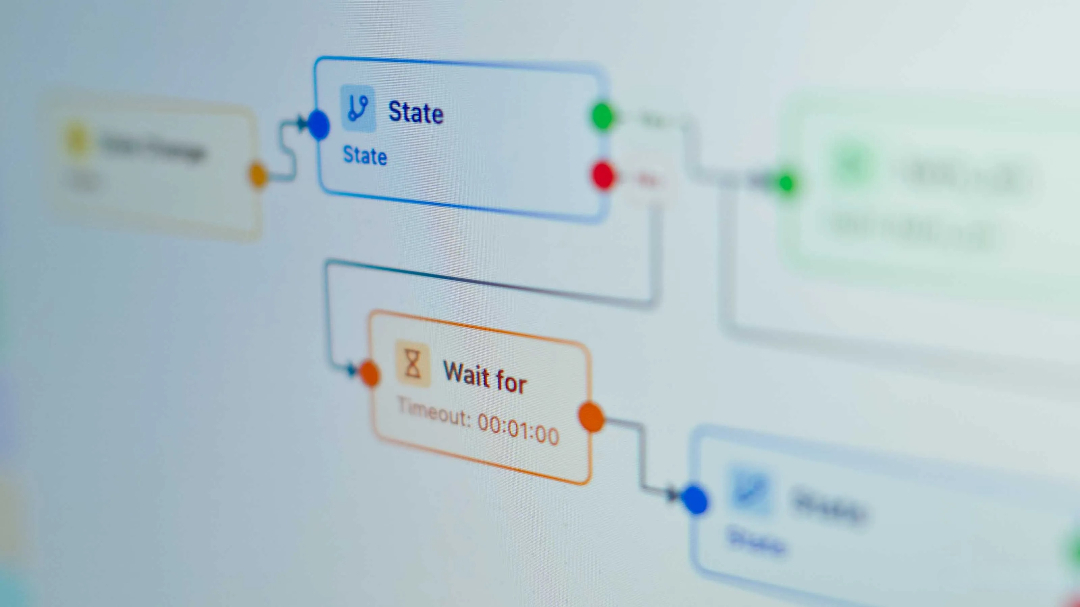
Automating your smart home with Home Assistant can be a daunting task, especially when faced with the overwhelming number of possibilities. This can lead to decision fatigue, where you're unsure which features to prioritize next. Fortunately, integrating HACS offers a solution by providing personalized automation suggestions tailored to your unique setup.
01Home Assistant's AI-powered assistant.
›Automating entity scanning and idea generation.
The AI Automation Suggester is a tailored integration that leverages AI to propose automation ideas based on the existing smart home configuration. It examines devices, entities, areas, and established automations, then generates novel suggestions for further customization of the home's automated systems.
Related ↗US AI models are being considered for access by trusted partners of the G7 leaders.The AI conducts a thorough assessment of your home's automation setup, identifying areas where improvements can be made or potential vulnerabilities exist. It then presents tailored suggestions for new automations, along with pre-formatted YAML code that can be easily customized to meet specific requirements.
To operate effectively, the integration requires access to an artificial intelligence model. This integration supports a diverse array of prominent cloud-based AI platforms, including OpenAI, Azure OpenAI, Anthropic, Google, Groq and OpenRouter. Users can also establish connections with local Large Language Models via options such as Ollama and LocalAI. Cloud-based choices may come with API costs or rate restrictions for free plans. In testing, the integration successfully utilized the free tier of Groq without significant issues.
Read next ↗Gigabit internet purchase limited by a faulty switch port, restricting speed to 100Mbps unexpectedly.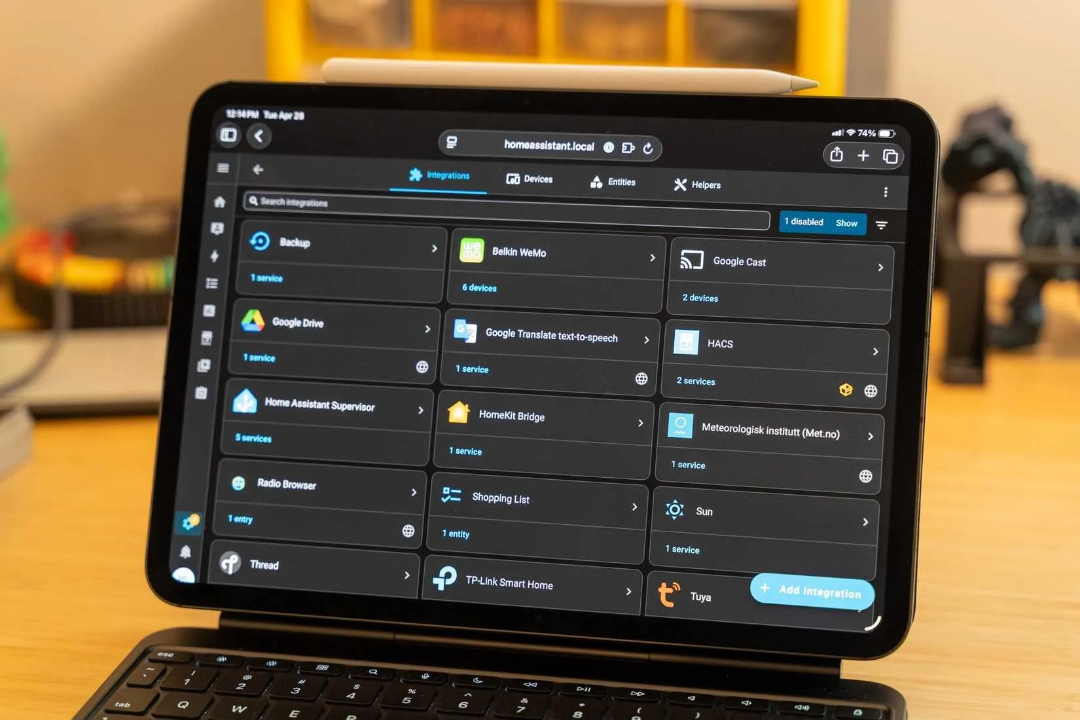
07Set up integrations with a single click.
›Access it through HACS.
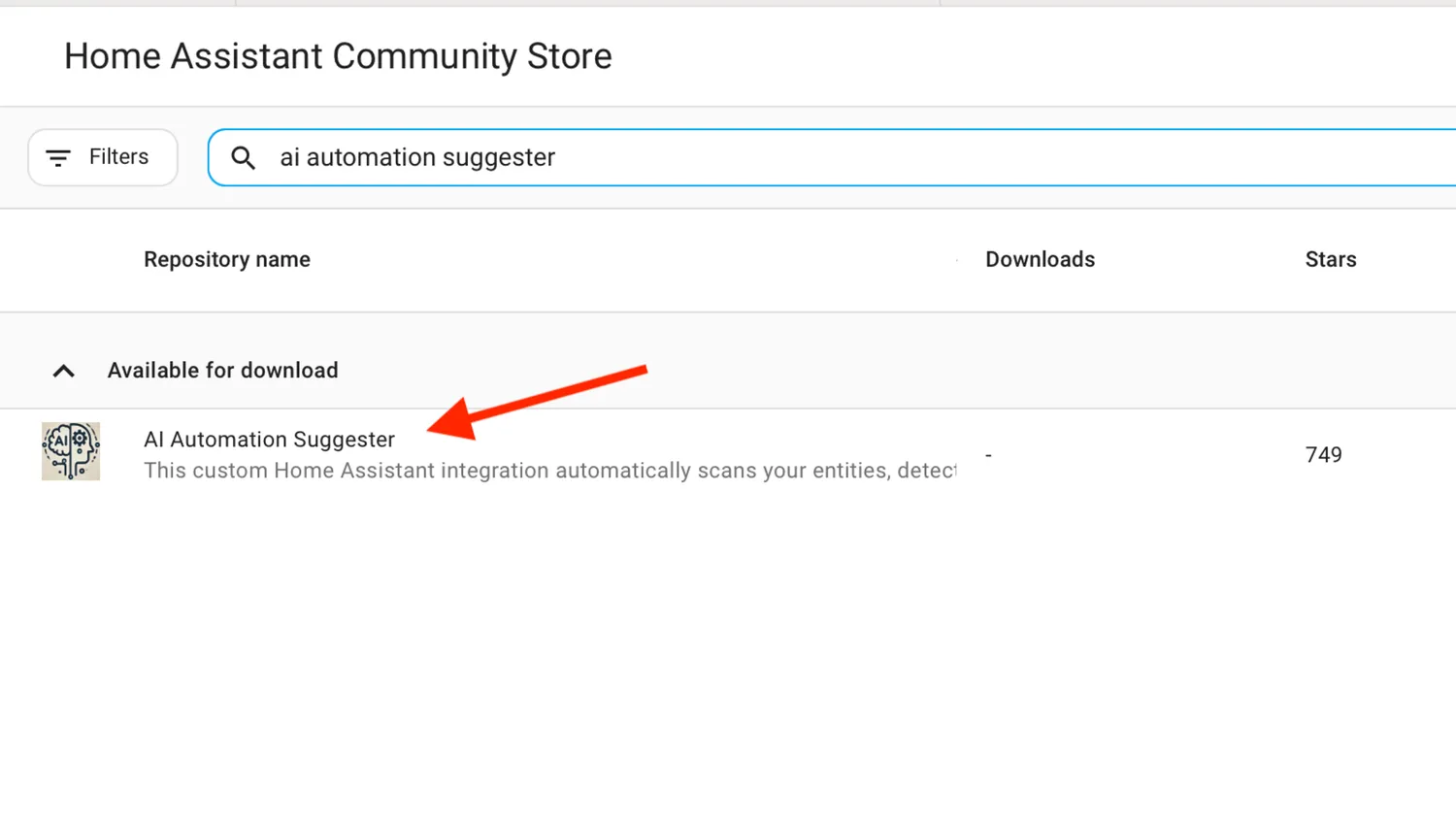
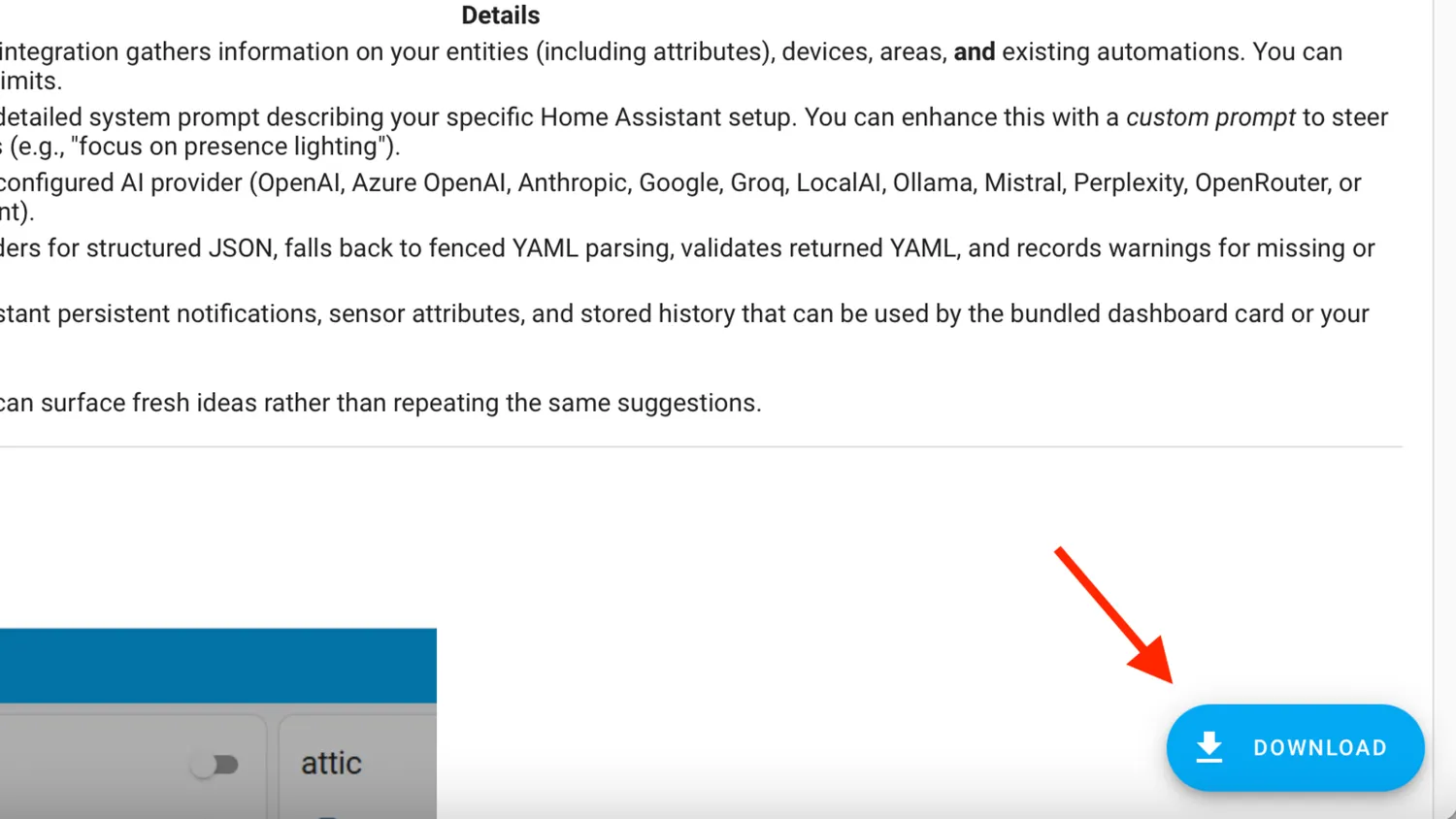
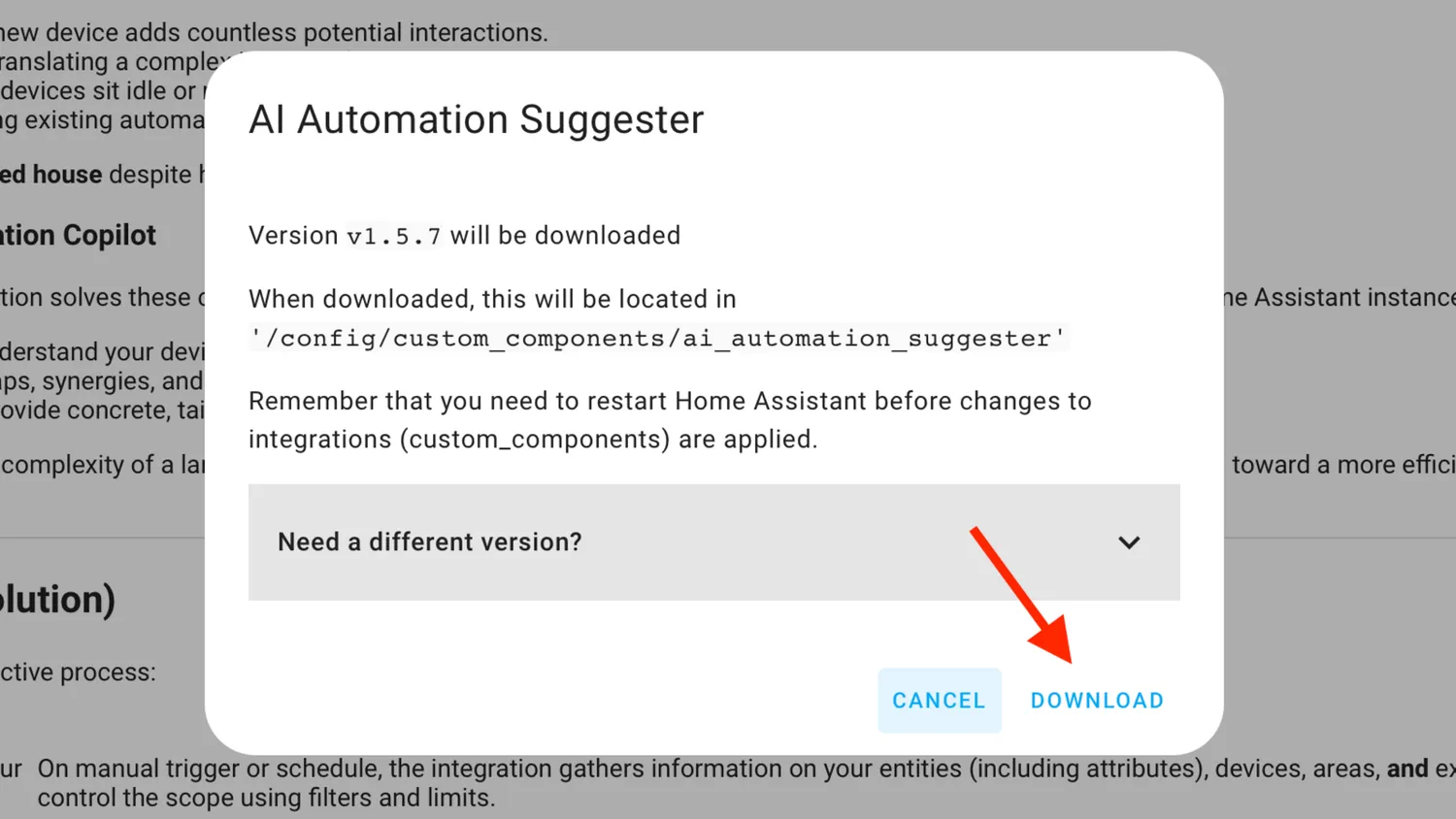
To integrate AI Automation Suggester with Home Assistant, ensure HACS is already set up. Navigate to HACS, search for AI Automation Suggester, select it, and initiate the download process. Restart Home Assistant after completing the installation.
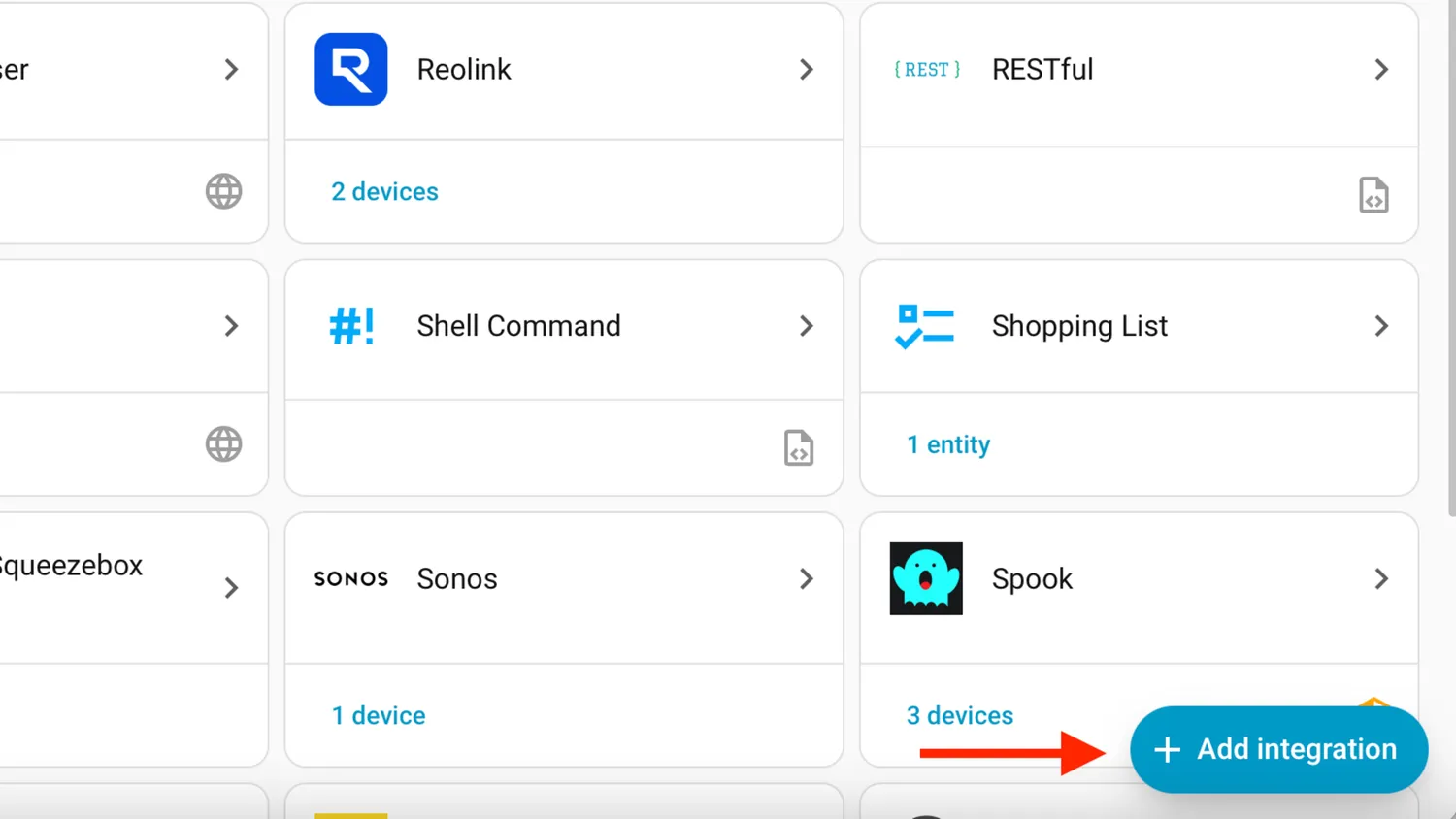
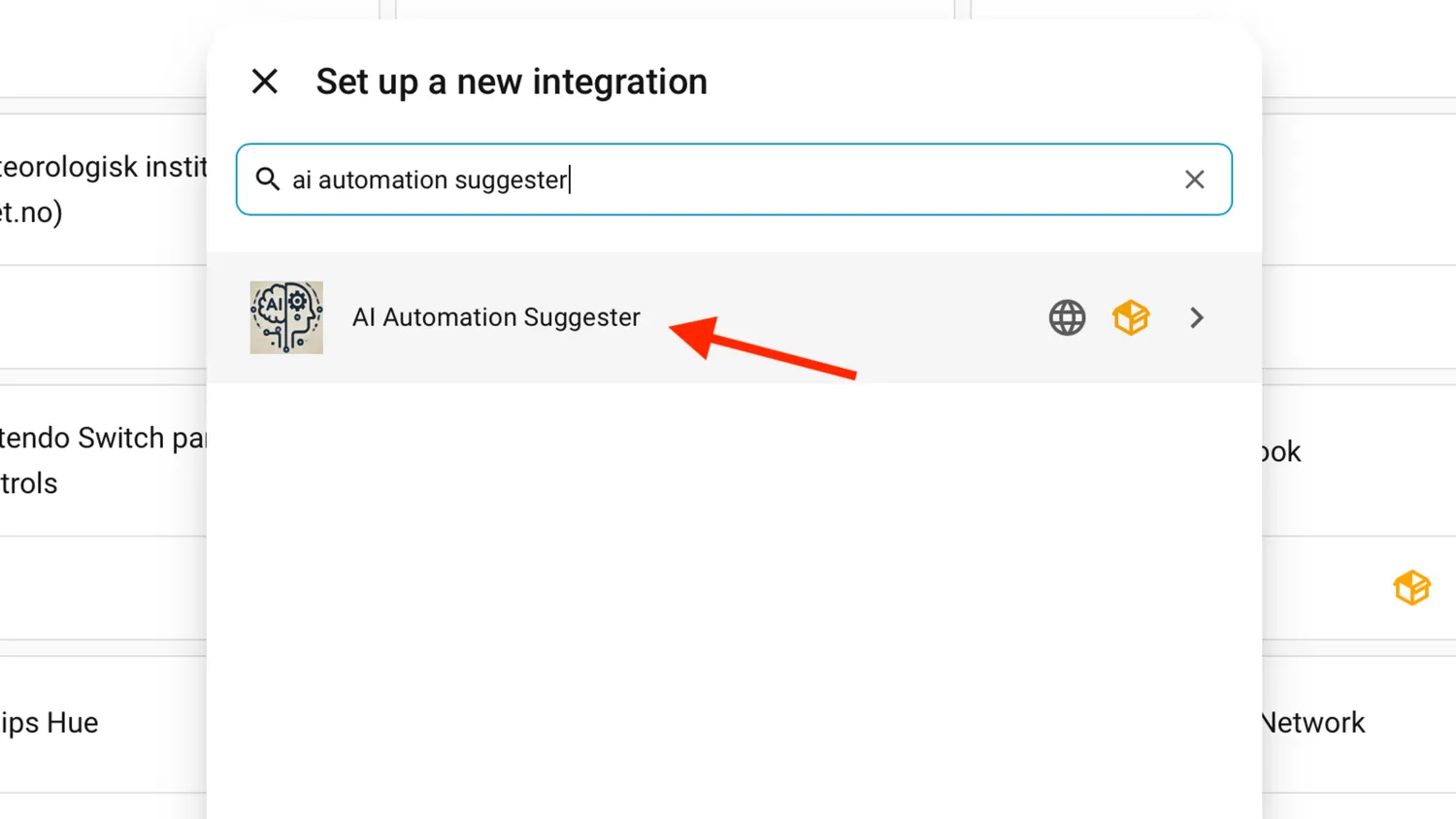
After restarting Home Assistant, navigate to Settings > Devices & services, then click the Add integration button within the Integrations tab. From there, search for AI Automation Suggester, choose it from the results and proceed with installation.
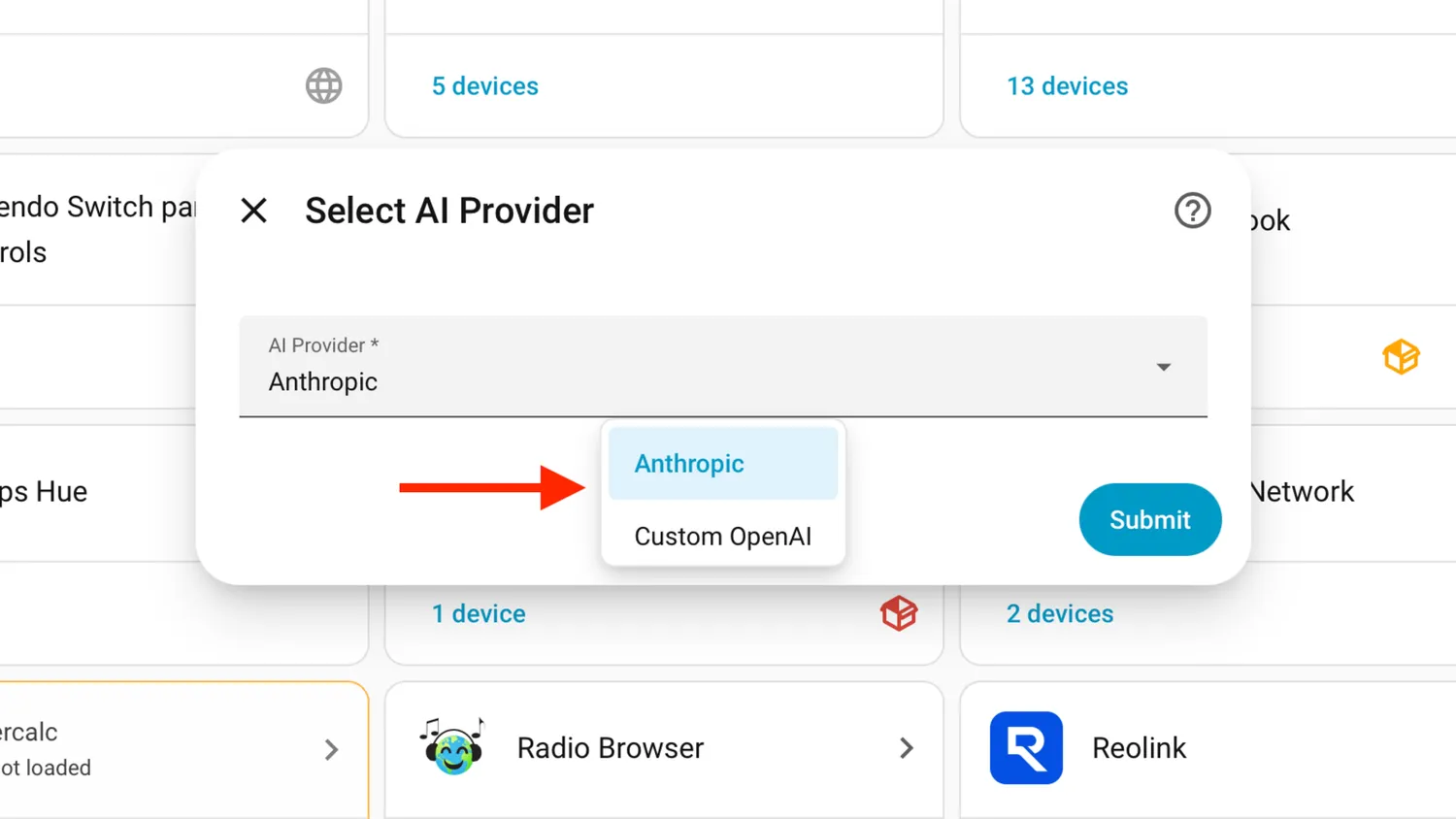
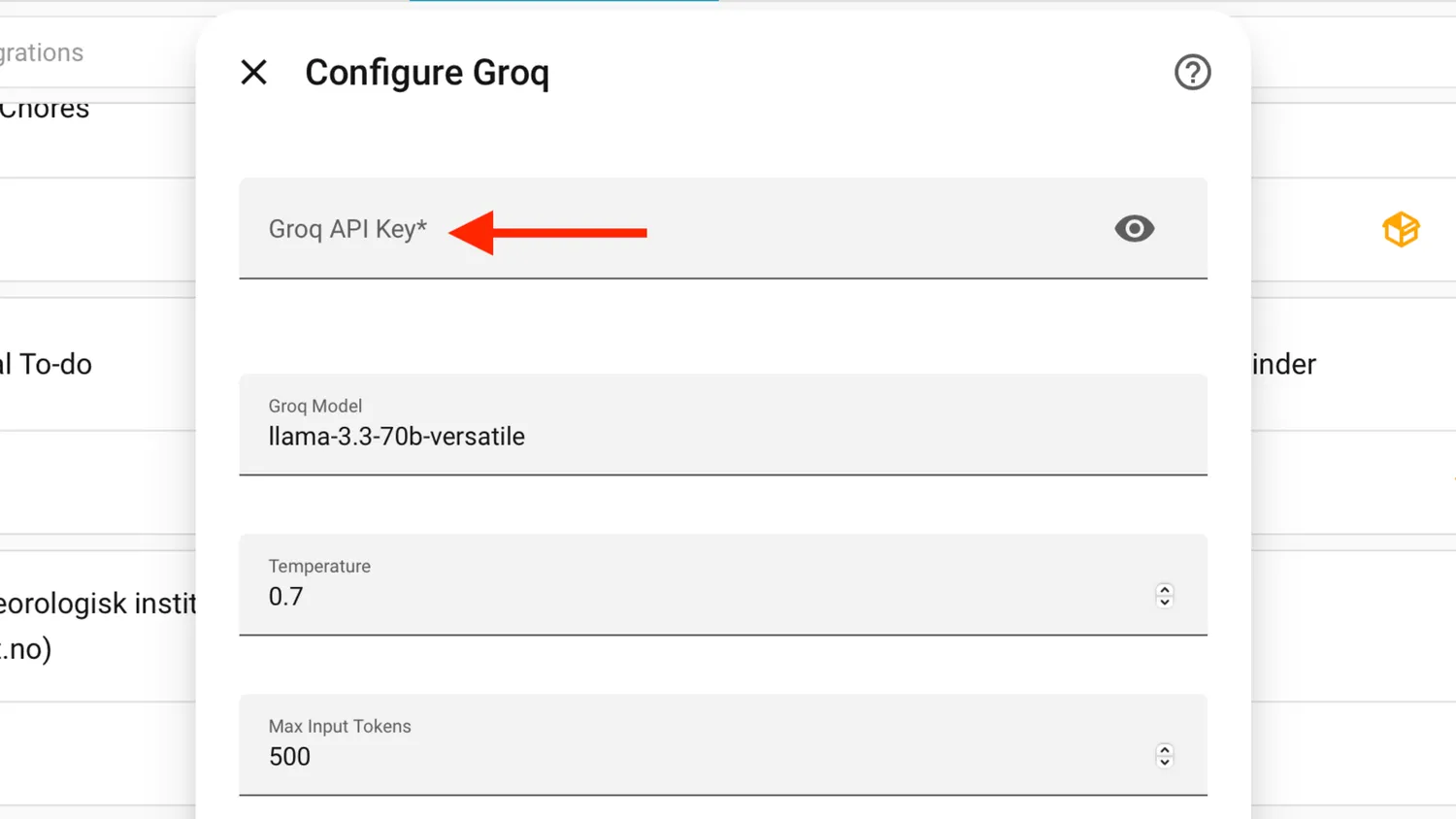
After installation, navigate to the dropdown menu where you can select your preferred AI service from a list that may require scrolling to access all options. Next, input the API key associated with your chosen provider, unless opting for the pre-set model instead.
Options like Max Input Tokens prevent excessive responses from consuming API credits unnecessarily. A customized system prompt allows you to dictate how the AI responds, ensuring it adheres to your desired parameters and usage of available API credits.
20Suggestions varied in quality.
›Focusing on key areas made a difference.
Establishing a connection with Groq's AI platform involved utilizing their standard model, specifically llama-3.3-70b-versatile. To initiate suggestions, one can trigger the ai_automation_suggester.generate_suggestions action manually. Initial testing adhered to default configurations for optimal results.
Key metrics are now visible in Home Assistant persistent notifications, yet I've created a custom dashboard for easy viewing. Initial improvements were straightforward: implementing network traffic monitoring and setting up a warm welcome system that activates a light upon arrival were the first two changes made.
While initial ideas were fairly broad in scope, incorporating additional parameters during the generation process can significantly enhance their relevance. This is achieved by specifying domains of interest, excluding irrelevant entities or areas, capping the number of suggestions, and granting the AI access to automation settings. Custom prompts can also be added to steer the output toward specific types of suggestions.
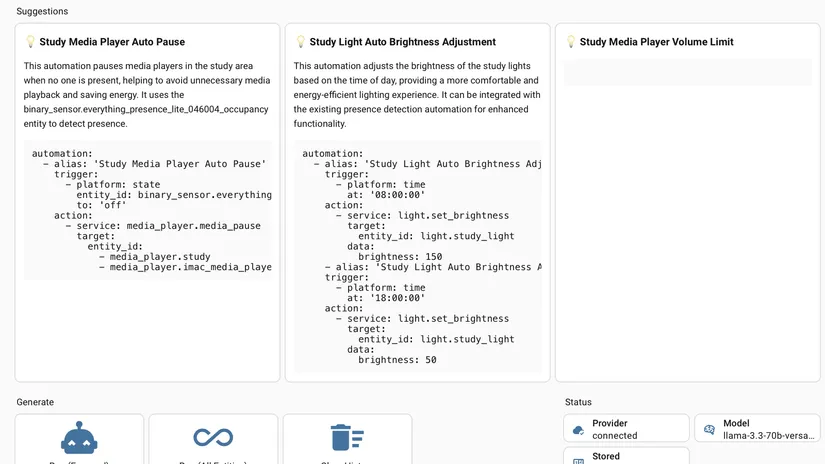
Implementing these adjustments led to significantly improved outcomes. The system proposed innovative solutions like activating home office lighting as soon as the user enters the room, leveraging presence sensors for seamless control. Interestingly, this suggested feature was already in place, albeit previously undisclosed within the automations.yaml file.
The assistant's next step was offering practical advice for optimizing my environment. This included implementing a feature to pause music playback when leaving the room, a suggestion that resonated with me as it wasn't something I had previously considered. Additionally, it proposed adjusting lighting levels according to the time of day and limiting media player volumes to create a more comfortable atmosphere.
The suggestions offered didn't revolutionize anything, but they sparked a few innovative concepts that I'm eager to implement in my living space. The provided YAML template was adequate, yet straightforward, so I'll have to develop the automation systems from scratch. The AI successfully tackled the complex task of generating new ideas for automations, freeing me up to refine them further.
›Cut Automation Labor with This Free Home Assistant Tool.
30Locally hosted automation yields superior performance results always.
›Cloud-based AI assistants are not secure.
Using a cloud-based AI assistant like the LLM in the AI Automation Suggester raises concerns about data security. When this technology is employed, sensitive information such as entity details - including names and locations - is transmitted to external servers.
Home Assistant's emphasis on privacy and local control doesn't quite align with this approach. For those with suitable hardware, using a local LLM through integrations like Ollama is preferable. This way, you can still receive helpful suggestions without compromising your smart home data by sharing it externally.
Home Assistant's emphasis onprivacy and localcontrol doesn't quite align with this approach. For those with suitable hardware, using a local LLM through integrations like Ollama is preferable. This way, you can still receive helpful suggestions without compromisingyour smart homedata by sharing it externally.
›Get instant automation ideas with this helpful assistant.
The AI Automation Suggester offered several practical ideas that I wouldn't have considered on my own. Users struggling to find motivation might find value in utilizing this tool to spark their creativity and explore new possibilities.


