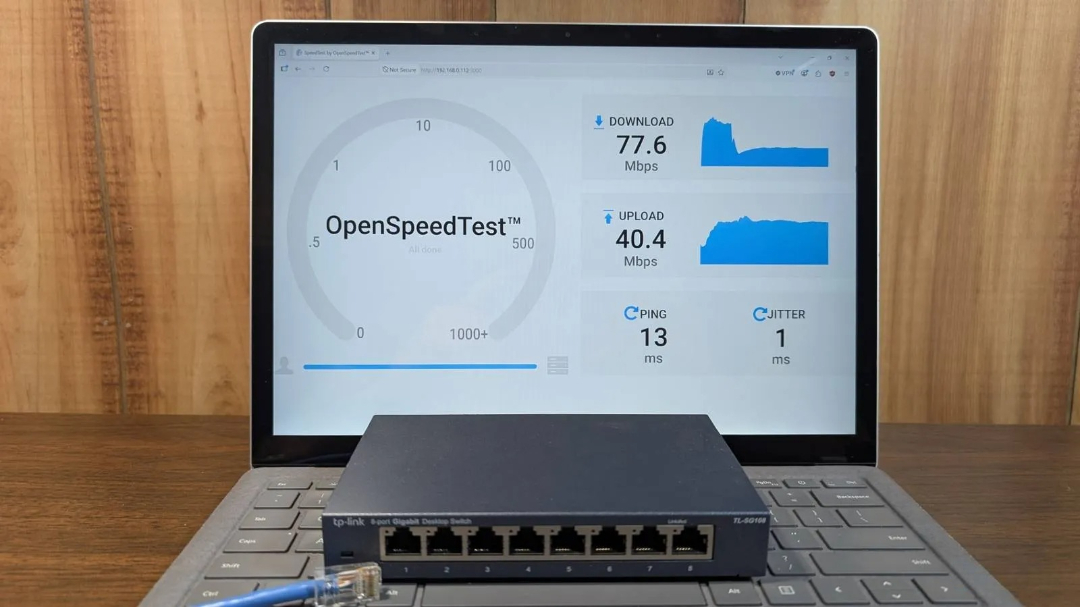
A puzzling situation unfolded when I discovered that despite having paid for gigabit internet, my computer's speed checks consistently fell short at exactly 100 megabits per second.
Normal internet speed variations are expected, but a significant slowdown like this one is unusual. A gigabit connection should only occasionally dip by several hundred megabits per second due to congestion. Yet in this case, the speed consistently plummeted to a mere 100 megabits per second. This was no ordinary fluctuation; something specific was hindering my network's performance.
Related ↗US AI models are being considered for access by trusted partners of the G7 leaders.02Network performance was tested thoroughly.
›Analyzing the issue step by step.
Breaking down the issue required dissecting my network into its constituent parts, examining each link separately to identify potential weaknesses. The pathway from modem to router, via switch, and ending at the PC was meticulously mapped, with all cables and wall jacks documented along the way.
A solitary Ethernet cable connected the modem to the router, while a lengthier Cat6a cable linked the router to a gigabit switch, with a shorter Cat6 cable bridging the switch to my personal computer. The culprit could lie in any of these connections.
Read next ↗Avoid using desktop hard drives with your network storage system.I investigated the issue by initially ruling out the modem, router, and their connection as potential causes since speeds on wireless and some wired devices were satisfactory. To isolate the problem further, I set up an OpenSpeedTest server on my Windows PC to monitor the LAN connection speed between various devices. This test mimics online speed tests but operates within the local network environment only.
Upon initiating testing procedures, a notable trend emerged. Mobile devices registered approximately 100 megabits per second, while the Raspberry Pi, connected directly to the router, also achieved this rate. Conversely, two other devices linked to the same switch demonstrated speeds of around one gigabit when tested with my PC.
Initially, I suspected a faulty connection between the switch and router, but further investigation revealed that the issue lay elsewhere. Connecting my PC directly to the Ethernet cable resolved the problem, achieving full gigabit speeds.
The gigabit switch emerged as a prime suspect. Yet the three devices linked to it demonstrated impressive performance, exceeding one gigabit in speed. This unexpected outcome led me to reevaluate my investigation's trajectory.
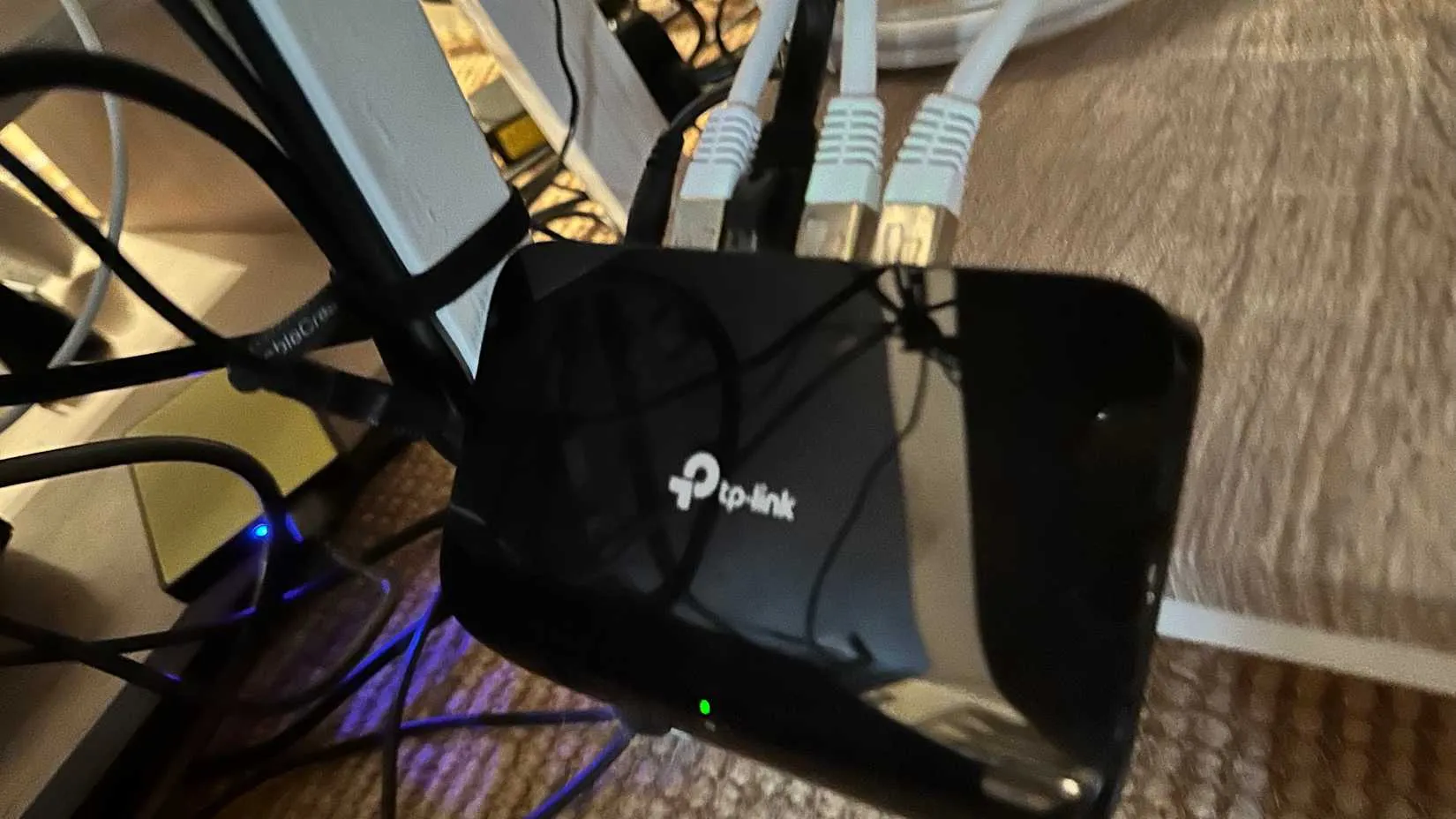
A peculiar phenomenon arose after the Ethernet port musical chairs game. The initially used router connection, located on the far right, was limited to a maximum speed of 100Mbps, indicating potential damage had occurred to this particular port.

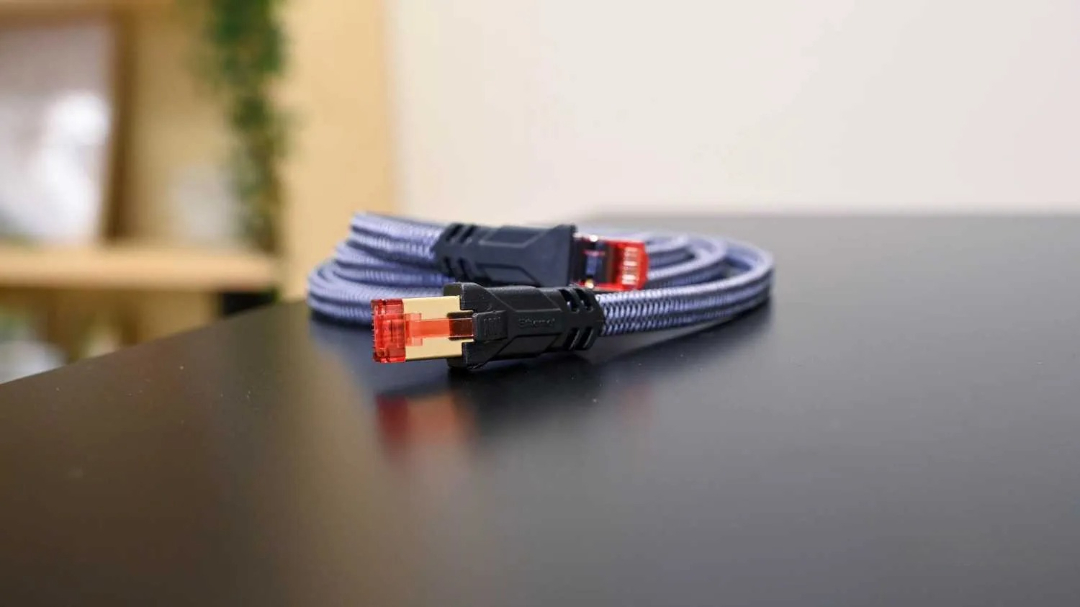
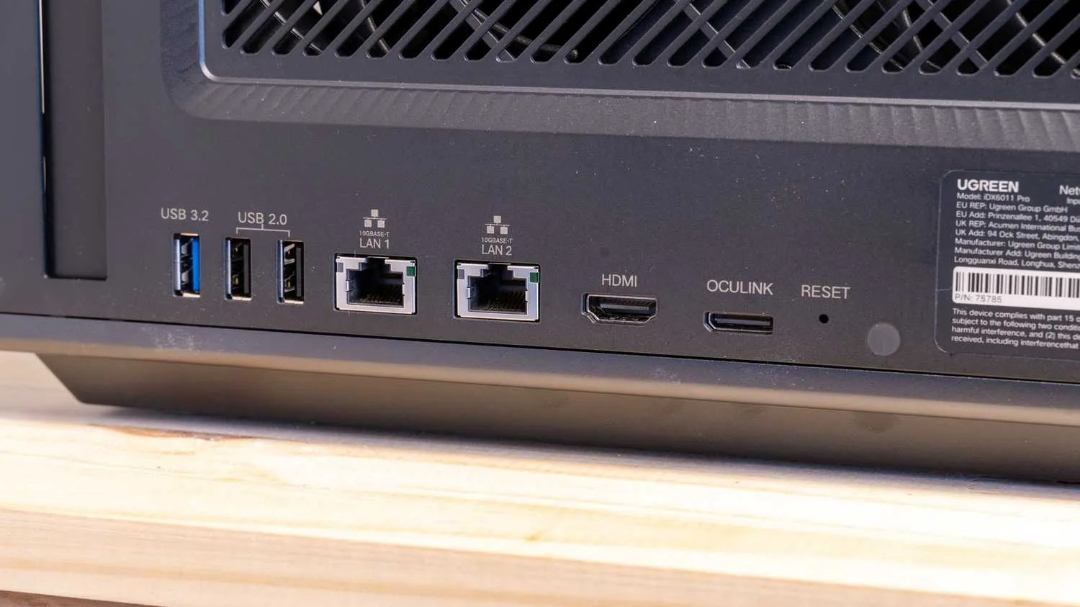
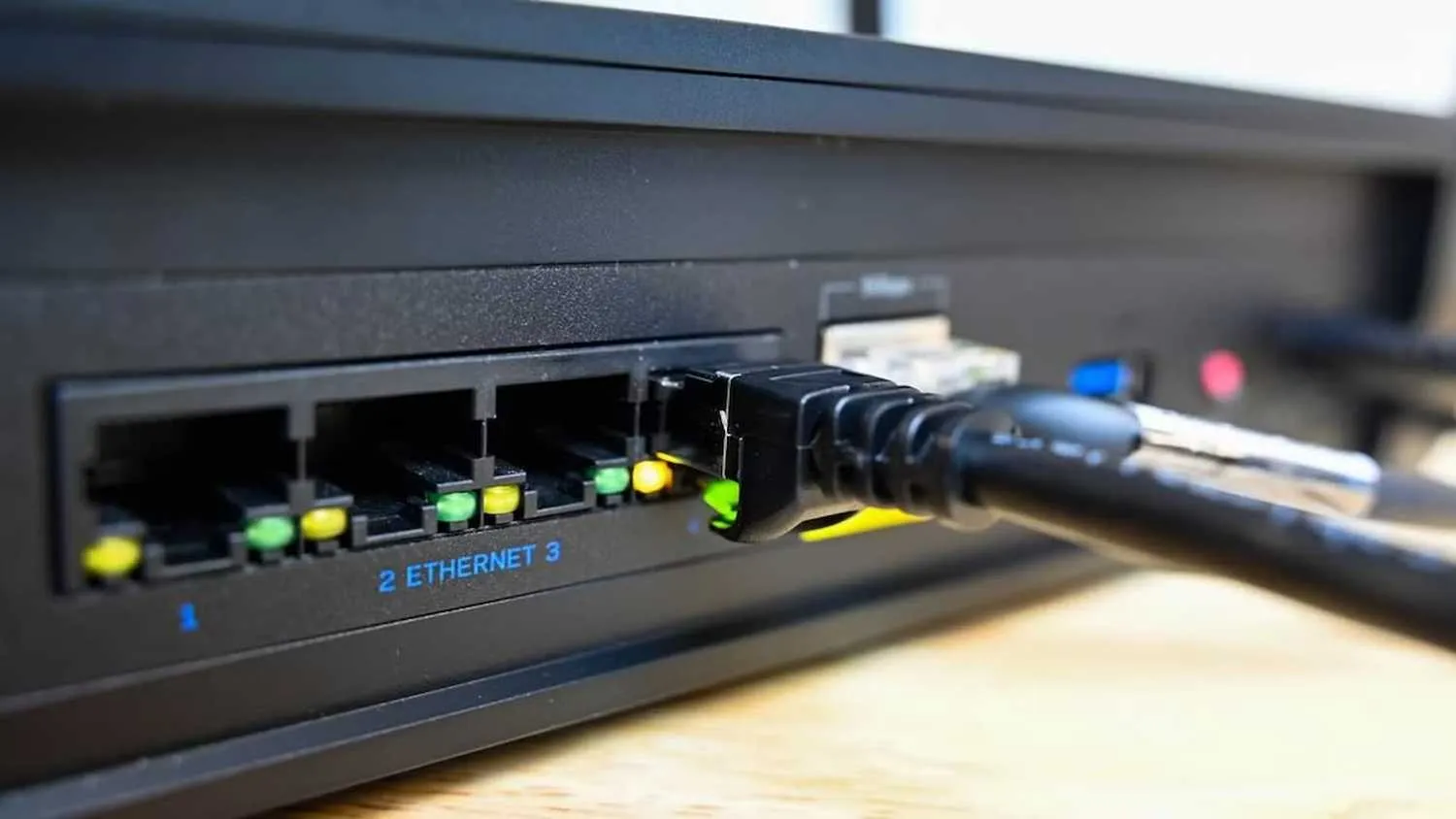
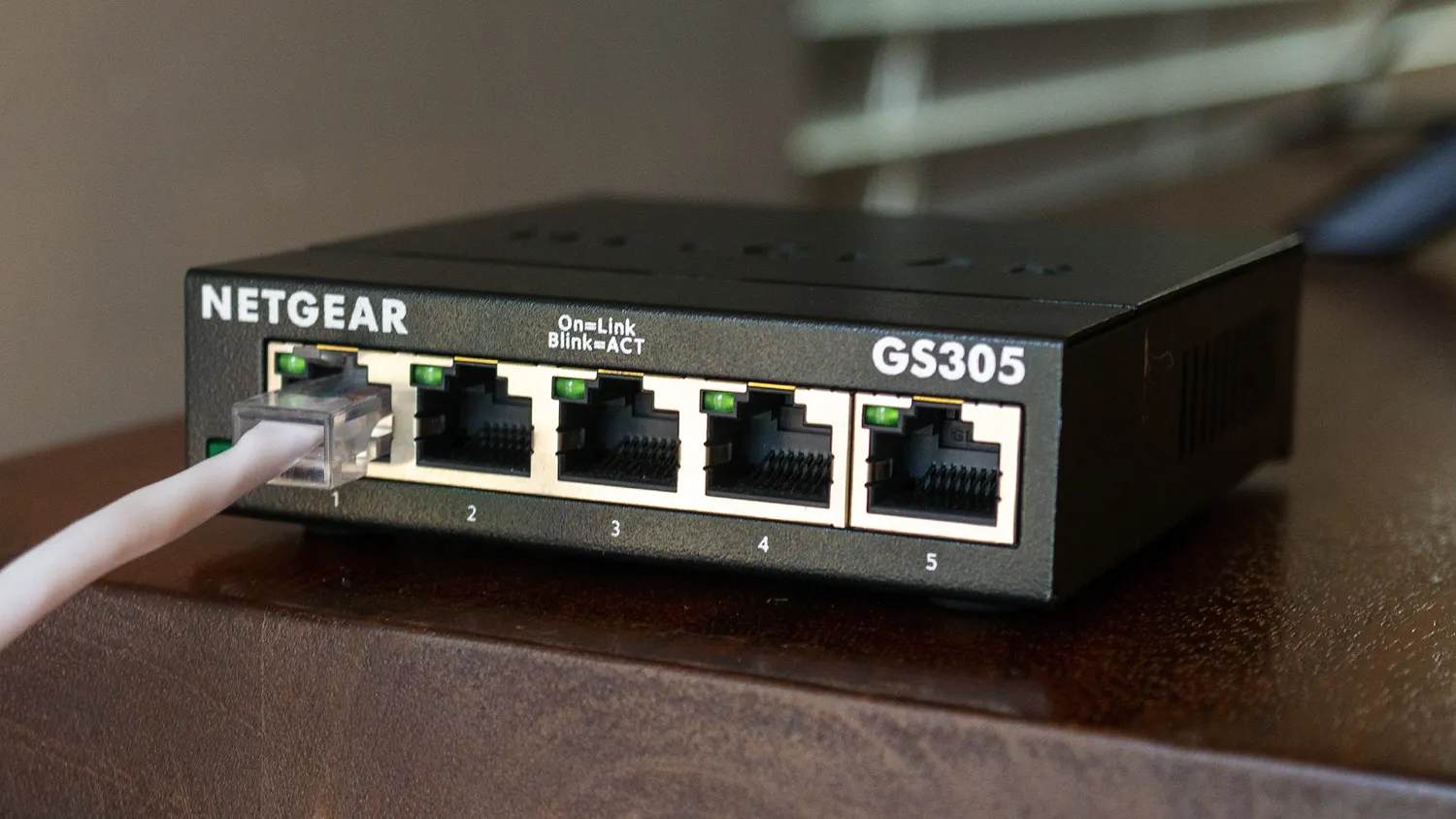
A solitary Ethernet cable connected the modem to the router, while a lengthierCat6a cable linked the router to a gigabit switch, witha shorter Cat6 cable bridging the switch to my personal computer. The culprit could lie in any of these connections.
17The swiftness of your network hinges on its weakest link.
›Invest in quality network equipment upfront always.
A single underperforming component can cripple network performance, slowing down up to three devices by a staggering 90%. This underscores the value of investing in quality networking equipment from the outset.
The disparity in cost between high-quality Cat6a cabling and its cheaper counterpart, Cat5e, is relatively modest unless purchasing large quantities. A mid-range "gigabit" switch from a well-known manufacturer typically costs only $10 to $15 more than an unbranded alternative. Nonetheless, the impact on network stability and performance can be quite pronounced.
Subpar Ethernet cables frequently employ undersized conductors and substandard manufacturing methods, compromising signal quality and limiting network capacity. Low-cost switches, too, are often constructed with inadequate materials, making them highly susceptible to damage from minor impacts or handling mishaps.
Investing in quality network equipment is essential if you're paying for fast internet. Cheap components can hinder performance, whereas high-quality ones tend to stand the test of time. A Cat6a cable remains functional for up to 10 years without degradation, and a reliable switch typically outlasts all other devices in your network setup.
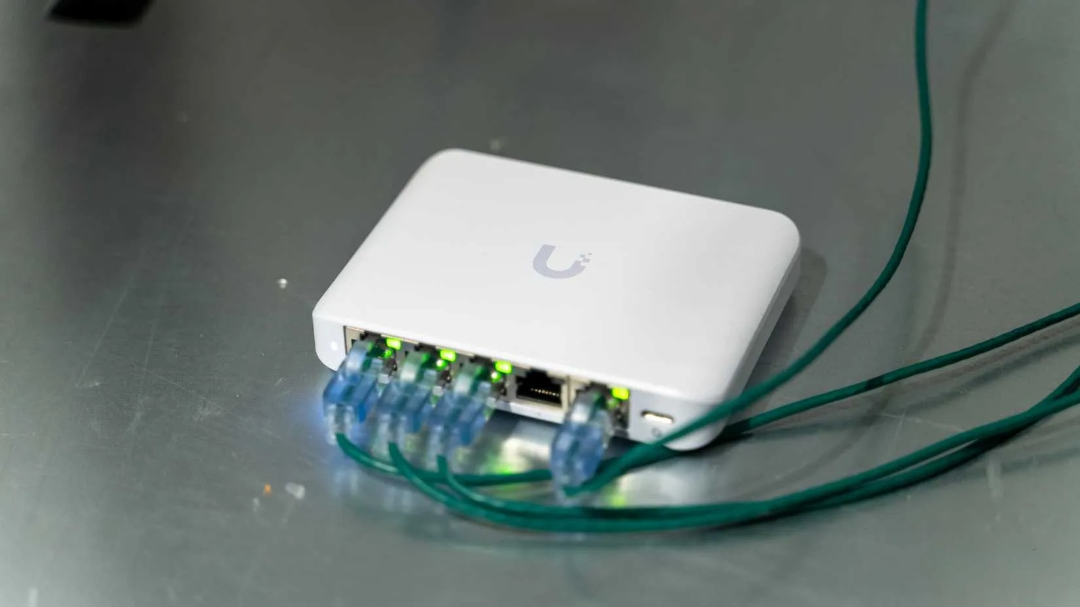
›A single faulty switch port can severely limit gigabit speeds.
Faulty switches and cables can cause connectivity issues despite remaining operational. The crucial indicator in this instance was the significantly reduced network speed.
Internet speeds plummeting to 100 megabits per second were a clear indication of a specific issue. The culprit might be an incorrect Ethernet adapter setting, which would cap speeds at this exact threshold. Conversely, a faulty connection could trigger the auto-negotiation process, forcing speeds to plummet to 100 megabits per second in a desperate attempt to compensate for the problem.
A gigabit Ethernet connection relies on all eight conductors of an Ethernet cable to operate at full speed. However a more modest 100Mbps connection requires only half that number of wires, which is why some users may be able to get away with using repurposed telephone wire for shorter distances in residential settings.
A single faulty switch port can drastically reduce gigabit speeds in a chain of devices, forcing auto-negotiation to default to 100Mbps to sustain connectivity. Typically, neither Windows nor the router will alert users to this fallback, leaving it up to them to detect the speed discrepancy on their own initiative.
Mechanical issues can often be the root cause of problems with switches. A faulty Ethernet cable could have caused damage to the switch port, either through bending a pin or dislodging the connection between the port and the switch's circuit board. The damaged component was ultimately discarded due to being beyond repair.

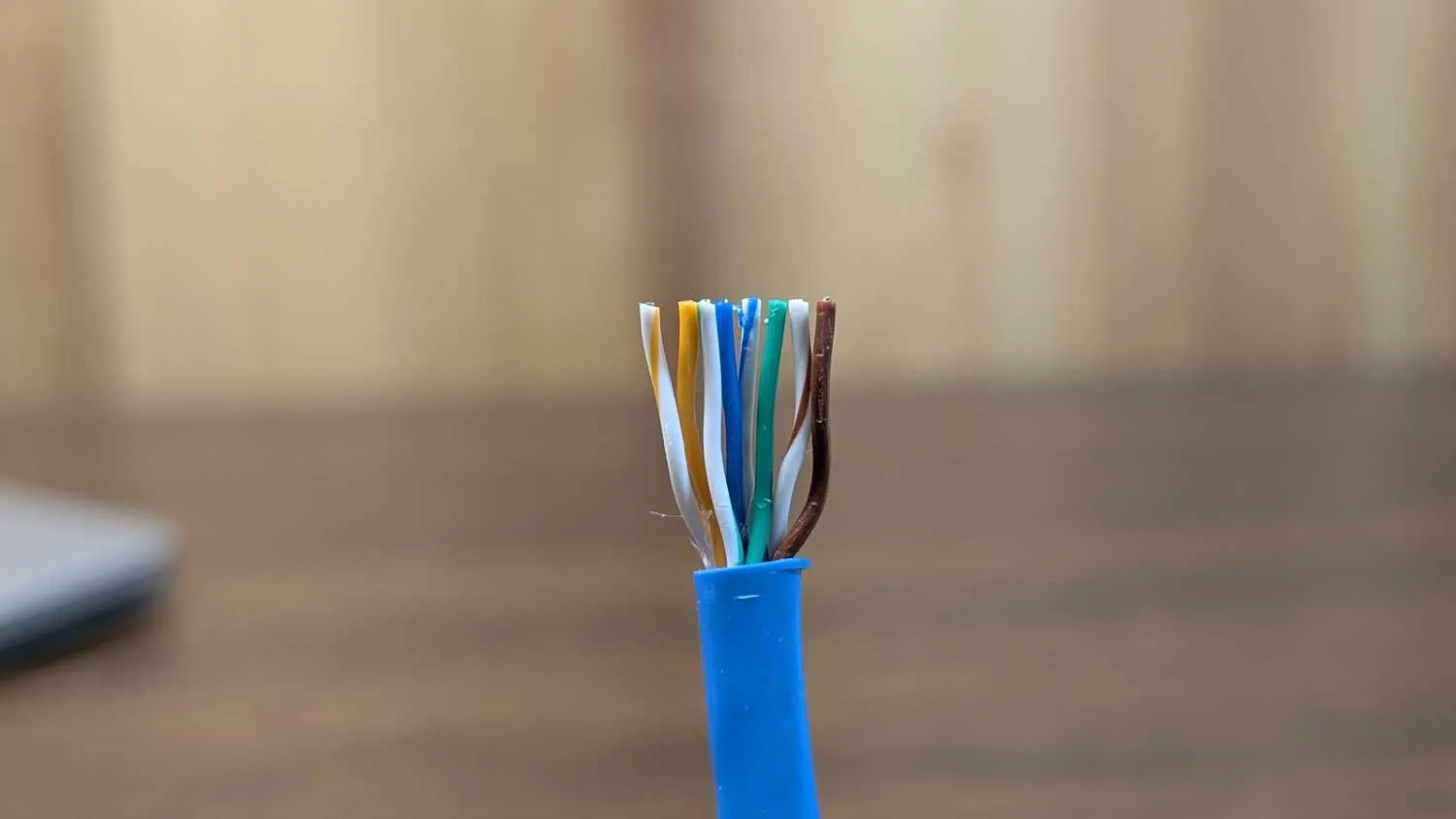
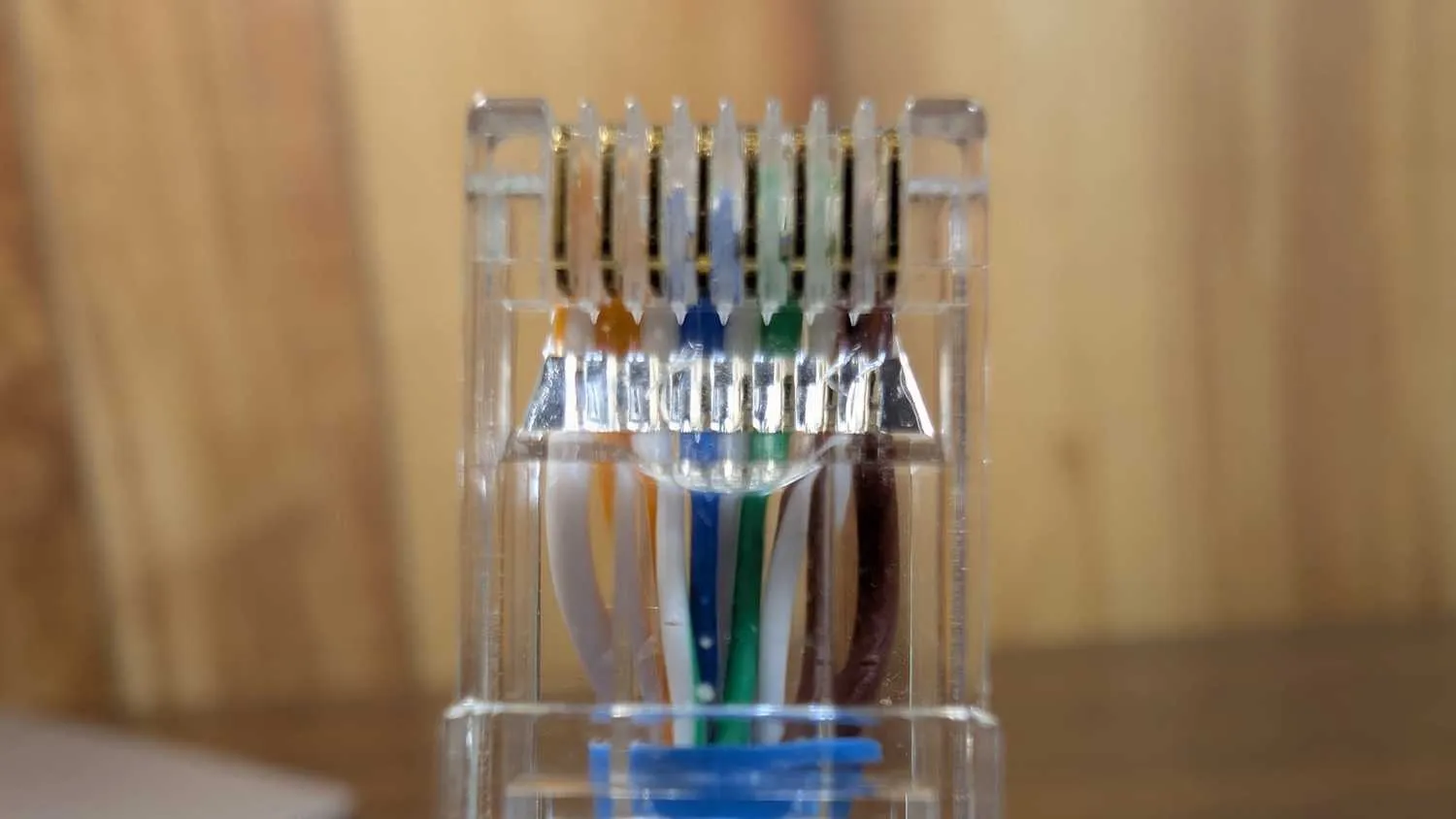
A single faulty switch port can drastically reduce gigabit speedsin a chain of devices, forcing auto-negotiation todefault to 100Mbps to sustain connectivity. Typically, neither Windows nor the router will alert users to this fallback, leaving it up to them to detect the speed discrepancy on their own initiative.
34Identify hidden network speed restrictors.
›Link-by-link connectivity issue arises.
When troubleshooting a slowdown, it's essential to visually track each component in the network path. Devices and cables between the router and affected equipment are initially considered potential culprits.
Initial troubleshooting involves verifying agreed-upon link speeds as they are typically free, instantaneous, and capable of identifying connectivity issues promptly. On Windows systems, this is achieved by inspecting Adapter Status, while Linux users employ ethtool to obtain relevant data. This information reflects the hardware's perceived capabilities.
To troubleshoot connectivity issues, run OpenSpeedTest or iPerf3 to compare speeds between devices. Check each cable individually by swapping them out one by one until you identify the slow link. Isolate the problematic hardware with a direct connection for the most efficient diagnosis.
›Score discounts on network equipment purchases.
›Network issues often have simple solutions that are easily overlooked.
The weakest link in a network determines its overall performance. A device's advertised speed, such as gigabit connectivity, merely represents potential, not actual functionality or status.
When setting up a homelab, consider installing iPerf3 or OpenspeedTest on one device within your network to monitor internal speeds and identify potential performance bottlenecks. This proactive approach can help you troubleshoot issues before they become major problems. For an outside perspective, use Internet Pi to measure the actual speed provided by your ISP. In several instances, users were overpaying for internet services due to misaligned expectations, but once informed of the discrepancy, their ISPs promptly addressed the issue.