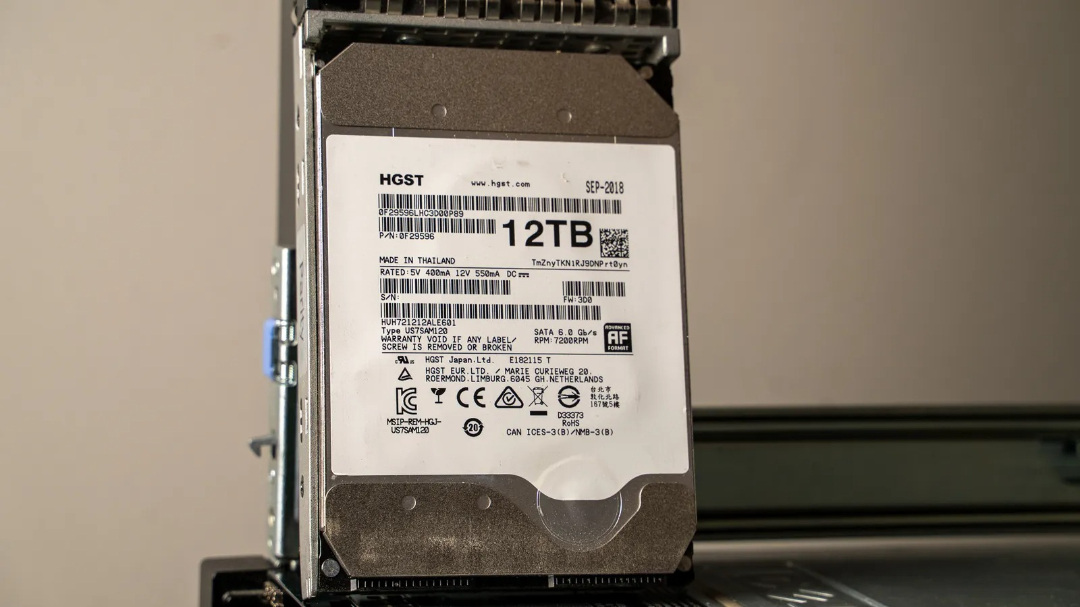
Before investing in a network-attached storage (NAS) system, consider whether your choice of hard drive is suitable for its demands. Not every hard disk is designed for NAS use, so it's essential to select one that can handle the rigors of shared storage. This decision affects the overall performance and reliability of your setup.
01Not all hard drives are suitable for networks.
›Desktop hard drives are not suitable for network storage systems.
The notion that any hard drive will suffice for network storage systems is a common misconception. Most hard drives function as intended, yet their design doesn't necessarily make them suitable for every use case or environment.
Related ↗US AI models are being considered for access by trusted partners of the G7 leaders.Consider the WD Blue, a widely recognized desktop hard drive offered by Western Digital, available in various speeds and capacities. This particular drive's design prioritizes performance within a desktop environment rather than network-attached storage systems like NAS.
Desktop hard drives are engineered for typical office use: they're designed to operate continuously, handle moderate data transfers, and maintain reasonable temperature control. Most users won't need to transfer massive amounts of data daily or annually, which is why drives like the WD Blue are optimized for such scenarios.
Read next ↗Gigabit internet purchase limited by a faulty switch port, restricting speed to 100Mbps unexpectedly.While some hard drive manufacturers offer specialized products like the WD Red, these drives are engineered with specific requirements in mind. Workload ratings are now clearly defined by manufacturers to help users gauge a NAS HDD's endurance per year. Additionally, NAS-focused drives often feature upgraded components and longer warranty periods, as well as custom firmware optimized for RAID configurations. In contrast, desktop hard drives frequently employ Shingled Magnetic Recording technology, which can lead to issues during RAID rebuilds.
Specialty drives such as the WD Purple are designed specifically for continuous operation in 24x7 video surveillance applications. Unlike NAS devices, which experience occasional spikes in read and write activity, surveillance systems run continuously without pause.

09Non-NAS desktop hard drive warranties often exclude NAS use scenarios.
›Using a desktop hard drive with your network storage can lead to premature failure and lost warranty benefits.
When purchasing a hard drive, it typically includes a warranty that safeguards against manufacturing flaws and initial failures during a specified timeframe. This warranty protection is in place for a predetermined duration.
Western Digital's warranty terms for their hard drives vary significantly. The WD Blue boasts a two-year guarantee, while the WD Red Plus and Pro models enjoy longer protection, with three and five years of coverage respectively. But there's more to consider than just the duration of the warranty. Hard drive manufacturers like Western Digital assume desktop use, which might lead them to reject claims if they find out you're using the drive in a network-attached storage device instead.
Companies may refuse warranty claims if a desktop drive is used in a network attached storage setup due to its heavier workload demands. This excessive strain can compromise the drive's lifespan, rendering it incompatible with the manufacturer's intended usage guidelines. The distinction between desktop and NAS workloads lies in their design specifications, which may be deemed "improper use" or "misuse" by the manufacturer.
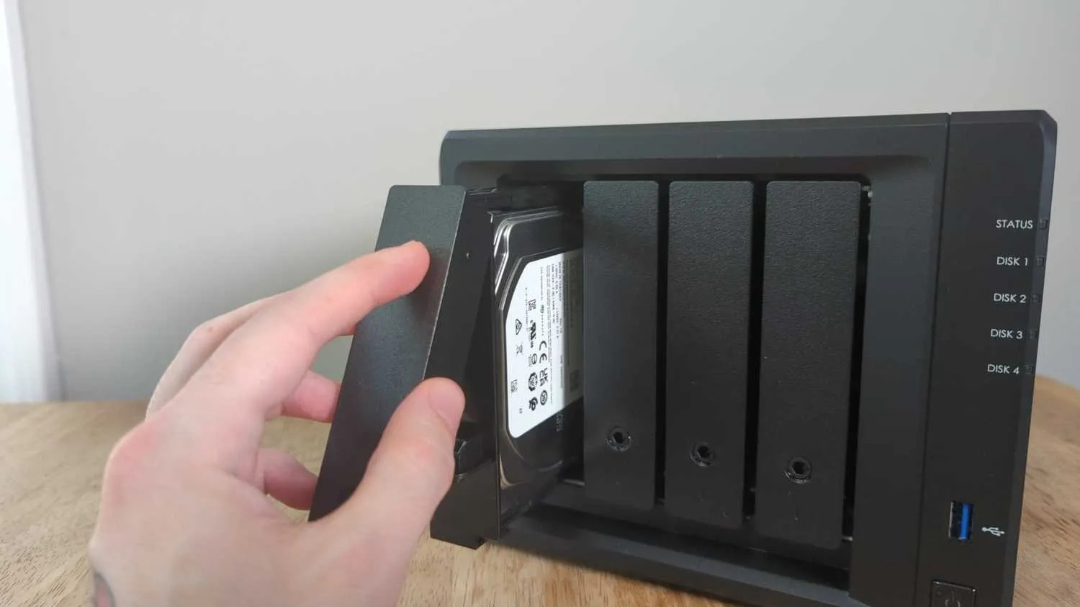
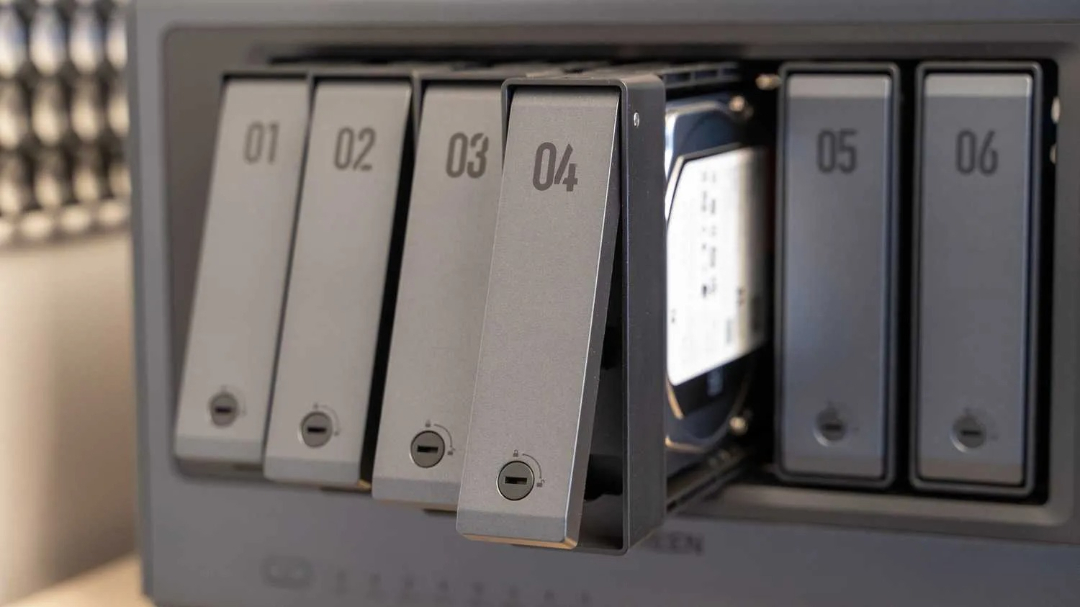
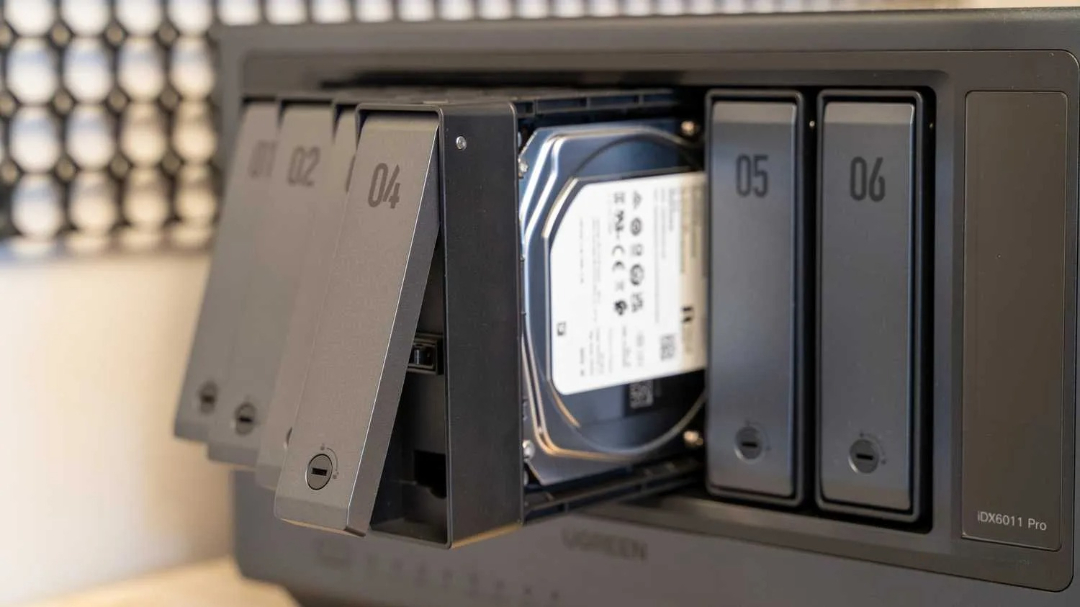
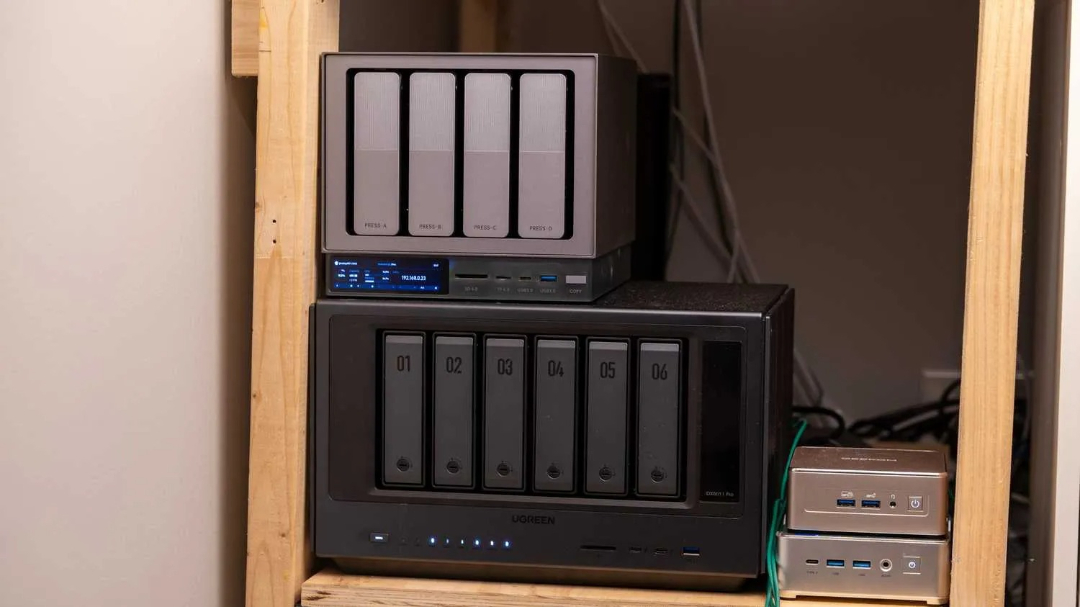
20Network Storage Devices Are Built for Continuous Operation.
›They have an exceptionally long lifespan.
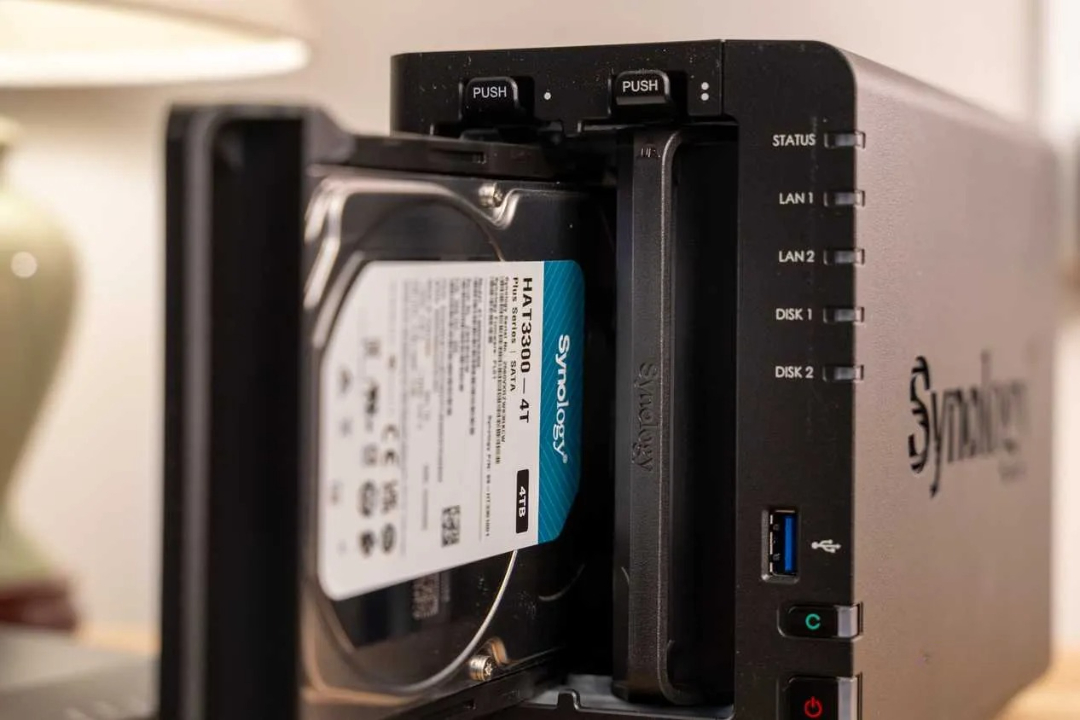
NAS hard drives are engineered with robustness in mind, allowing them to withstand greater physical stress and wear than standard drives.
The WD Red Plus boasts a specific endurance rating, pegged at 180TB annually, while its counterpart, the WD Red Pro, is engineered for a staggering 550TB/year workload. These ratings provide insight into the drives' capacity to handle data movement over time, essentially measuring terabytes of data transfer per year.
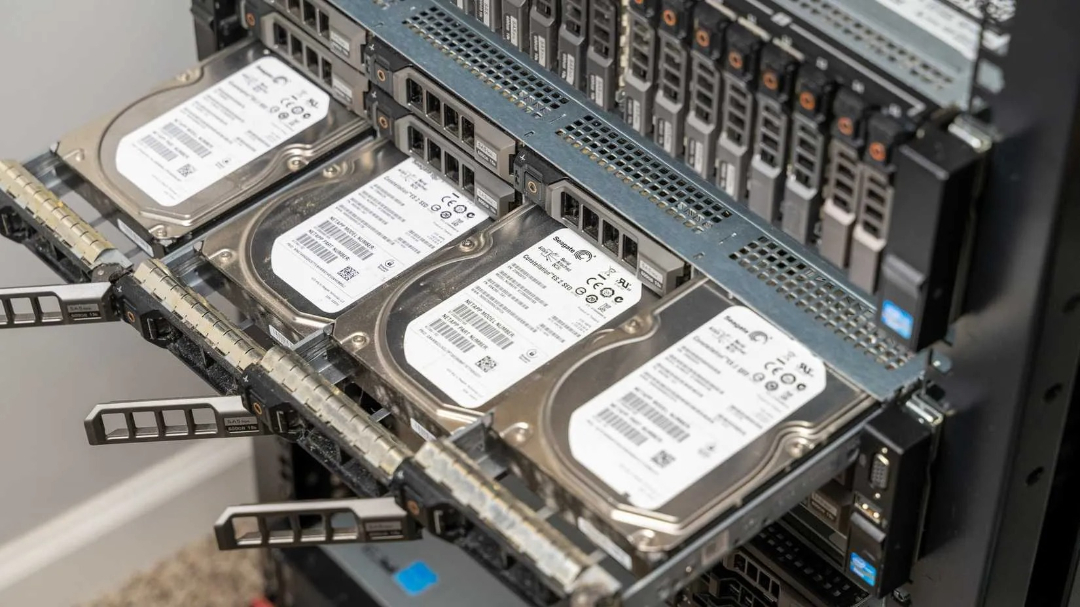
NAS-designed hard drives are engineered for high-endurance tasks, yet they're also crafted to endure the unforgiving conditions of a network-attached storage system. Typically, users install only two or four drives within their NAS setup, but manufacturers design these drives to withstand significantly more heat and vibration than standard hard drives. In environments like my own NAS - an old rack-mount server repurposed with 12 drive bays - temperatures can soar during the summer months.
NAS hard drives are engineered to operate continuously, functioning 24 hours daily, seven days a week, and 365 days annually without interruption. My current NAS has maintained an uninterrupted operation for three months since its last reboot, whereas I previously achieved an impressive uptime of over one year without ever shutting down or powering off. Constantly running the drive every day for extended periods puts significant strain on the platters and other internal components.
Considering the numerous tasks I've assigned to my NAS - including running a media server, homelab services, and photo backup server - it's no surprise that these drives are subjected to frequent access, which can lead to hard drive abuse unless they're rated for such demands.
When buying a NAS, it's crucial that your hard drives meet the demands of the device. Researching beforehand will save you from potential problems down the line.
›Network Storage Systems Should Exclude Desktop Hard Drives.
›Good quality hard disk drives are a worthwhile investment.
Building a NAS with top-notch storage doesn't have to break the bank. Fortunately, there's an alternative to buying brand-new hard drives. Recertified drives offer a cost-effective option for upgrading your storage server without sacrificing performance. I've had success with recertified drives in my own NAS builds and plan to continue using them to save on future upgrades.
Consider alternatives to buying a brand-new network-attached storage device. I opted for an older rack-mount server as my NAS, but various other devices can be repurposed for this purpose. To construct your own NAS, focus on acquiring the necessary components, regardless of whether you're purchasing new or scouring the used market for bargains.